Where to Buy and Sell Used Mobile Phones in Bangladesh: The Complete 2026 Guide
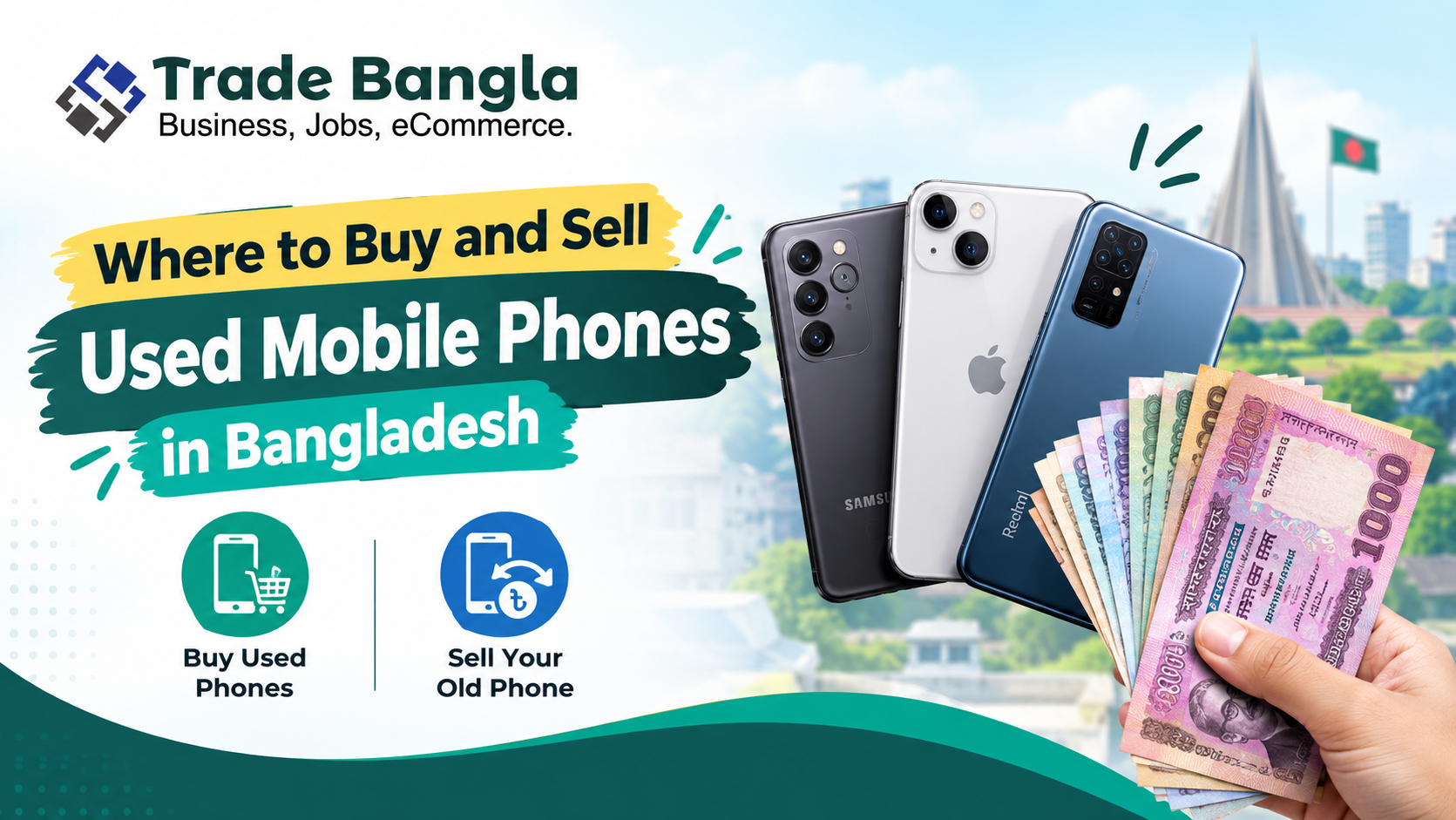
The smartphone market in Bangladesh is booming, but not everyone can afford the latest flagship model at Tk 100,000+. This is exactly where the pre-owned, or "used," mobile phone market steps in. From students on a tight budget to professionals wanting a reliable second device, buying second-hand is a smart financial move — and selling an old phone is an easy way to recover some value before upgrading.
The catch is that the used phone market also comes with real risks: fake devices, duplicate parts, locked phones, and outright scams. This guide covers where to buy and sell used phones in Bangladesh, what to check before handing over your money, and how to protect yourself on both sides of the transaction.
Why Buy a Used Mobile Phone?
A used phone can offer significantly better value than a brand-new one, letting you access a higher-end model within a limited budget. Key benefits include:
- Lower purchase price than retail
- Access to older flagship models you couldn't otherwise afford
- More device choices within a fixed budget
- Room to negotiate the price
- The ability to resell the phone again later
That said, a lower price should never come at the cost of reliability — always inspect the device carefully before paying.
Top Platforms to Buy and Sell Used Phones in Bangladesh
1. Facebook Groups and Marketplace (Most Popular)
Facebook remains the largest used-phone marketplace in Bangladesh by volume, with thousands of phones bought and sold daily.
Active groups worth joining:
- Mobile Phone Buy Sell in Bangladesh
- Gadget Bazar Bangladesh
- Smartphone Buy Sell Dhaka
- Second Hand Mobile Phone Market BD
How to spot a good deal:
- Favor sellers with strong group "rating" points or an established reputation
- Check the seller's profile age — an account created two weeks ago with no friends or activity is a red flag
- Always ask for photos of the original cash memo (bill), box, and accessories
- Be skeptical of "urgent sale, leaving the country" posts — scammers commonly use urgency to rush buyers into skipping proper checks
2. Trade Bangla
Trade Bangla is an online marketplace in Bangladesh where users can buy and sell products across multiple categories, including mobile phones and electronics, with support for free ad posting. It's a convenient option for sellers who want to list a phone online without relying solely on social media groups.
When creating a listing, sellers should provide accurate details about the phone's model, condition, storage, accessories, and asking price, along with clear photos — this attracts serious buyers and reduces time wasted on low-quality inquiries.
3. Sheba.xyz (Safest Option for Sellers)
Sheba.xyz has reshaped the used-phone market in Bangladesh with its Buy Back and Verified Phone services.
- How it works: List your phone for free; Sheba.xyz's team visits your home, inspects the device, and handles the sale.
- Why it's safe: Every device comes with a 10-day warranty, and the team checks for iCloud locks, motherboard issues, and battery health before resale.
- Best for: Buyers and sellers who want a low-risk transaction and are willing to pay a small commission (roughly 5–7%).
4. Bikroy.com (The Classic Choice)
Bikroy is one of the oldest and largest classifieds platforms in Bangladesh, with a huge volume of both new and used phone listings, filterable by brand, price, storage, RAM, condition, and location.
- Pros: Massive traffic, direct negotiation with sellers, useful filters for comparison shopping
- Cons: A notable scam presence, particularly "advance payment" scams
- Safety tip: Never pay in advance. Only meet in person at a safe public place — a shopping mall, bank lobby, or police outpost.
5. Quicklizard and Pickaboo (Certified Pre-Owned)
These are among Bangladesh's leading online retailers offering "Certified Pre-Owned" phones.
- Pros: 30-day return policy, 3-month warranty, genuine parts
- Cons: Priced higher than Facebook Marketplace listings due to the added warranty coverage
- Ideal for: Buyers who want the savings of a used phone without the risk of trusting an unknown stranger
6. Physical Mobile Markets
For buyers who prefer to see and test a phone before purchasing, physical markets remain a strong option in Dhaka.
| Market | Location | Best For |
|---|---|---|
| Elegant Shopping Mall | Elephant Road, Dhaka | Flagship phones (iPhone, Samsung S series) |
| Multiplan Center | Elephant Road, Dhaka | Apple products (iPhones, MacBooks) |
| Chandni Chawk | Chowk Bazar, Old Dhaka | Chinese phones, budget phones, spare parts |
| Bashundhara City (3rd Floor) | Panthapath, Dhaka | Mid-range to high-end used phones |
| Karwan Bazar Mobile Market | Karwan Bazar, Dhaka | Bulk wholesalers, good for resellers |
| Motalib Plaza | Dhaka | General used and new phones |
| Eastern Plaza | Dhaka | General used and new phones |
Warning: Always ask whether a phone is "original" or "refurbished" — some shops sell open-box or A-grade copy devices as original. Compare prices across a few sellers before committing.
What to Check Before Buying a Used Phone
Never judge a used phone by its appearance alone. Work through this checklist before paying.
1. Check the IMEI
Dial*#06# to display the phone's IMEI number, and match it against the number printed on the box and in the software settings. For dual-SIM phones, check all relevant IMEI numbers, and verify the device's registration status through the appropriate official channel where possible.
2. Check the Display
Look carefully for cracks, dead pixels, green or pink lines, touch problems, uneven brightness, and screen burn-in. Open several apps and test the touchscreen across the entire display, not just the center.
3. Check the Battery
Battery health matters a lot on older phones. For iPhones, checkSettings > Battery > Battery Health — if it's below 80%, negotiate a discount. For Android phones, use the built-in diagnostics or a trusted battery-info app. Ask the seller directly about any past battery replacement.
A quick "pressure test": open the calculator app and press the power button. If the phone shuts down or restarts unexpectedly, the battery or motherboard may be failing.
4. Test the Camera
Test both front and rear cameras — check focus, image quality, flash, video recording, and camera switching. Look closely for unusual spots or persistent focus problems.
5. Test Speakers, Microphone, and Connectivity
Make a test call to check the microphone and speaker. Also test Wi-Fi, Bluetooth, mobile network and SIM functionality, the charging port, the fingerprint sensor, and face unlock if available.
6. Check for iCloud, Google, or Other Account Locks
This is critical. Ask the seller to reset the phone to factory settings right in front of you. For iPhones, confirm that Activation Lock is fully disabled; for Android phones, confirm the previous Google account has been properly removed. If the reset asks for a password you don't have, walk away — a locked phone can become permanently unusable.
How to Sell Your Used Mobile Phone
If you're selling, start by researching the current market price for your exact model and storage variant. Then prepare a clear, honest advertisement including:
- Phone brand and model
- RAM and storage capacity
- Purchase date, if known
- Current condition
- Battery condition
- Repair history, if any
- Available accessories (box, charger, original bill)
- Asking price and location
Take clear photos of the front, back, sides, screen, camera, and any included accessories. Being upfront about scratches, repairs, or replaced parts builds trust and attracts serious buyers rather than time-wasters.
Tips for Getting a Better Price
- Clean the phone thoroughly before photographing it
- Include the original box and accessories if you still have them
- State the exact storage and RAM clearly
- Describe the condition honestly rather than optimistically
- Research similar listings before setting your price
- Avoid pricing unrealistically high — it just extends the time your listing sits unsold
- Respond quickly to genuine buyer inquiries
Safety Tips for Buyers and Sellers
Used-phone transactions carry both financial and personal safety risks. Follow these precautions on either side of the deal:
- Meet in a safe, public, and well-lit location — a shopping mall, bank lobby, or police outpost works well
- Inspect the phone thoroughly before making any payment
- Never send money in advance to an unknown seller
- Check the IMEI before finalizing the purchase
- Clean your data and remove your SIM and memory card before handing over a phone you're selling
- Factory reset your phone twice before selling it
- Prefer mobile banking payments (bKash, Nagad) over cash where possible, since digital payments leave a traceable record
- Don't hand over the device until payment is properly confirmed
- Be extra cautious of deals priced well below the normal market rate — if it feels too good to be true, it usually is
Indicative Price Guide (2024 Estimates)
Prices vary based on condition (Excellent, Good, Average) and included accessories.
| Model | New Price (Tk.) | Used Price (Tk.) |
|---|---|---|
| iPhone 13 Pro Max | 1,45,000 | 95,000 – 1,05,000 |
| Samsung S23 Ultra | 1,55,000 | 1,00,000 – 1,10,000 |
| Xiaomi Redmi Note 12 | 28,000 | 18,000 – 21,000 |
| OnePlus 11 | 80,000 | 55,000 – 62,000 |
| Pixel 7 Pro | 85,000 | 52,000 – 58,000 |
Final Verdict
- Want the lowest price? Use Facebook Marketplace, but spend 20 minutes verifying the seller's reputation first.
- Want safety and peace of mind? Use Sheba.xyz, or a certified pre-owned retailer like Pickaboo or Quicklizard.
- Selling a phone? List it on Trade Bangla or Sheba.xyz for a safer transaction, and on Facebook Marketplace for a potentially higher price — then remove the listing from other platforms as soon as it sells.
Remember the golden rule: if a deal feels too good to be true, it almost certainly is. Careful research and a few minutes of verification can save you from a costly mistake — whether you're buying your next phone or selling your old one.